Get Started with Connect
Welcome to WiLine, your all-in-one Unified Communications as a Service (UCaaS) provider. Let's get you set up quickly and easily.
You'll receive an email with your credentials from your local admin — that's everything you need to activate your account. Then just choose the right portal below.
Browse the docs
Log in
Choose your portal
How to log in
Once you've received your credentials, signing in takes just a few seconds:
- Open your portal — the Connect Portal for everyday use, or the Admin Portal if you're an administrator.
- Enter your username and password.
- Click Log In.
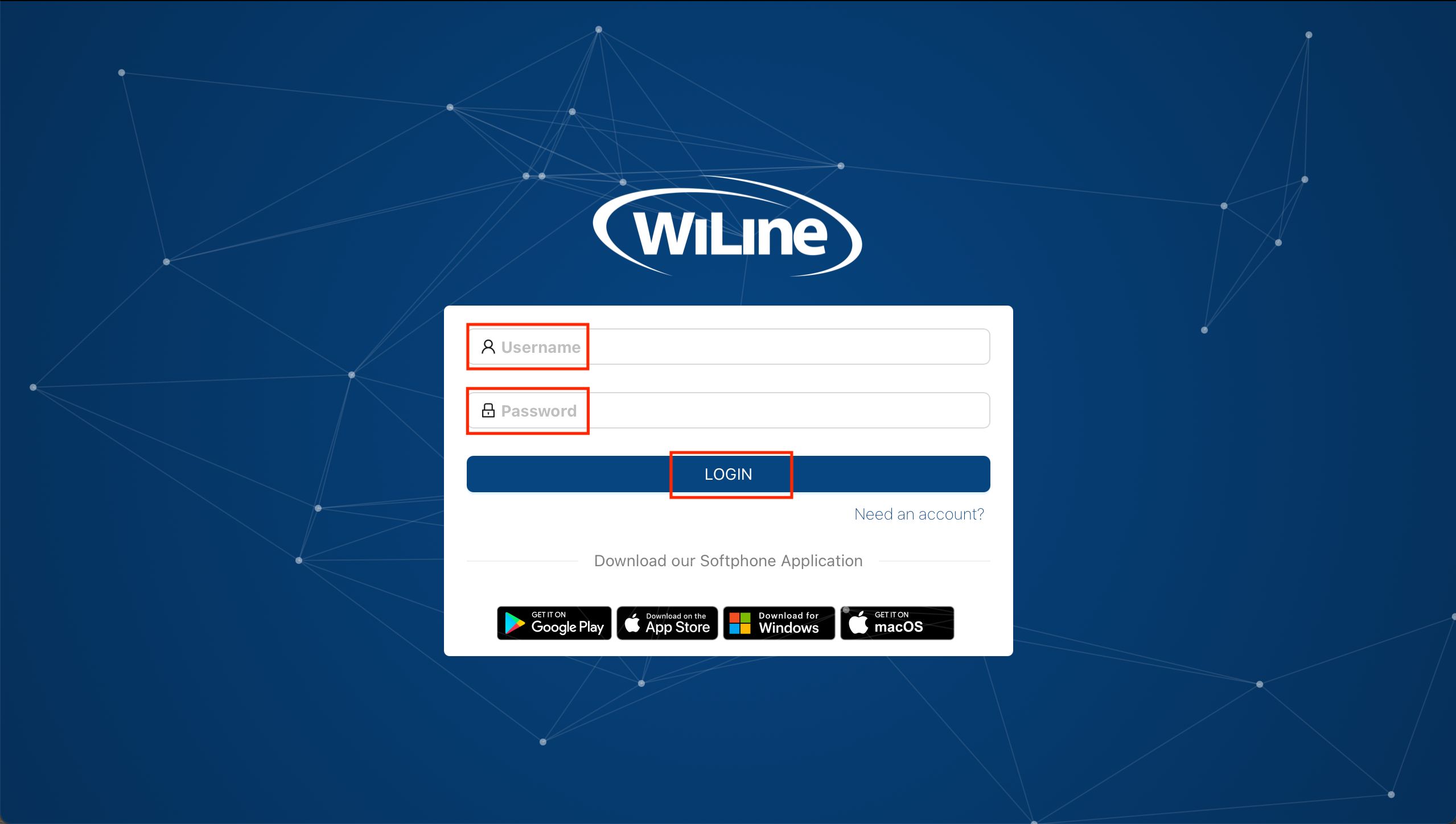
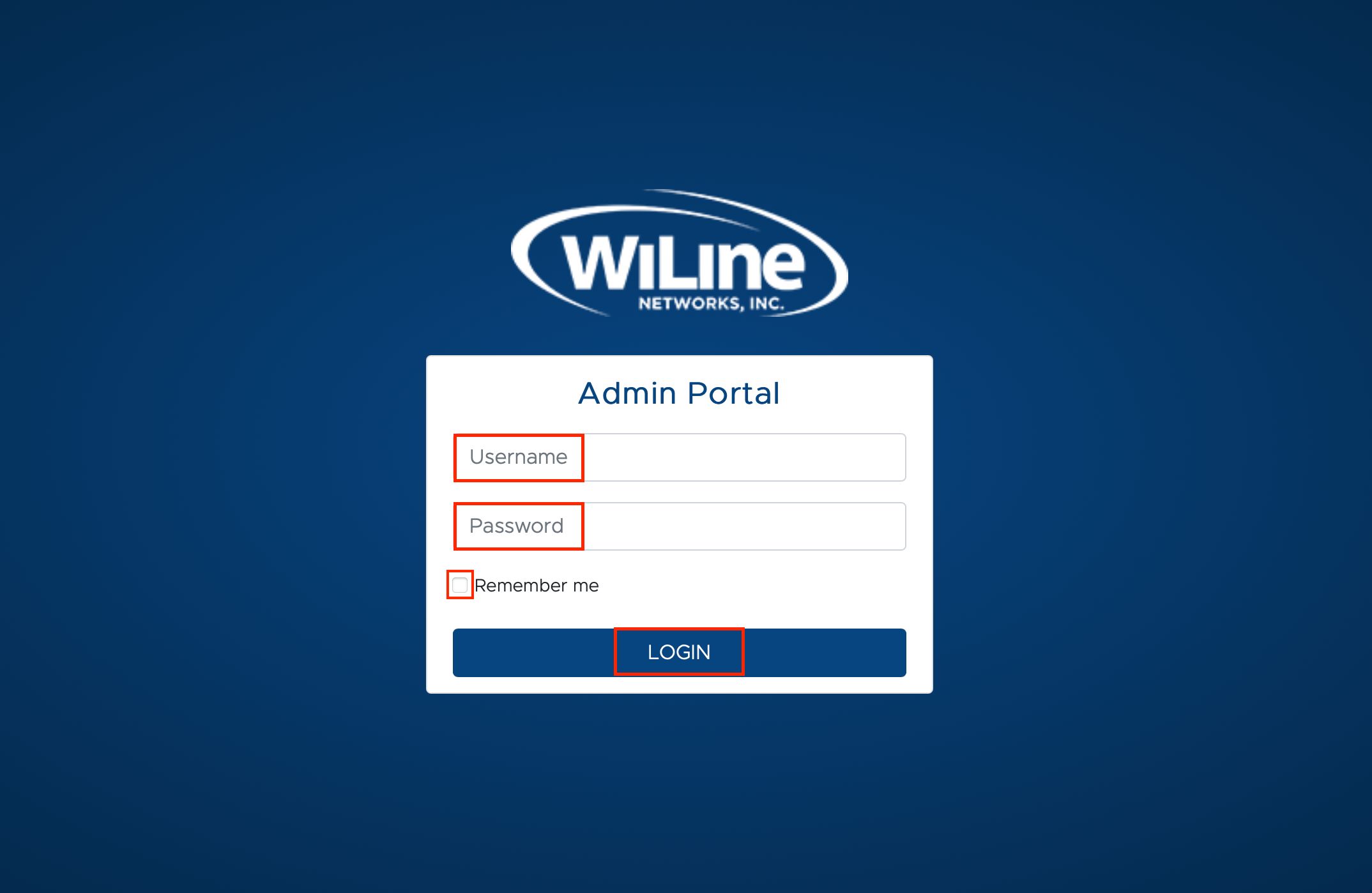
First contact your local admin for your credentials. If you still need assistance, reach out to WiLine Support for further help.
Download the WiLine UCaaS app
Take your calls, meetings, and messages anywhere. Download the WiLine UCaaS app for your device:

Start communicating
You're ready to go! Here's what WiLine Connect brings together:
System requirements
For the best experience, make sure your system meets the following:
- Operating system: Windows 10 or later, macOS 10.13 or later.
- Browser: Latest versions of Google Chrome, Mozilla Firefox, or Safari.
- Internet connection: Stable connection with at least 5 Mbps download/upload speed.
With these simple steps, you'll be up and running in no time.